

Introduction
Social media analytics tools are no longer optional for brands and creators. They translate posts and ads into clear insights and measurable actions. Because measurement beats guesswork, teams can scale with confidence.
Today platforms change fast and audience habits shift weekly. Therefore, you need data to spot trends, find high-performing content, and fix what fails. Good tools connect metrics like reach, engagement, and conversions to real business goals.
This guide previews 21 top tools for 2026 and practical tips. Meanwhile, expect comparisons on price, reports, and unique features. Read on to pick the right stack for your link-in-bio funnels and QR campaigns. You’ll also get tips for boosting CTR and conversions.
Marketers, creators, and small businesses benefit most from focused analytics. For example, competitor analysis and sentiment tracking reveal growth opportunities. As a result, you can refine CTAs, posting times, and content mix. We’ll cover free native analytics and enterprise platforms side-by-side. Let’s dive in.
Key Features of Social Media Analytics Tools
Social media analytics tools collect data across platforms. They turn raw numbers into useful actions. Because these tools centralize metrics, teams move faster and with more clarity.
Core dashboard and reporting features
- Unified dashboards that combine multiple platforms into one view. These dashboards show KPIs like reach, impressions, and engagement.
- Custom metrics and filters to match business goals. For example, you can track conversions from link-in-bio funnels and QR campaigns.
- Scheduled and exportable reports in PDF or CSV. Therefore, teams share results with stakeholders quickly.
- Visual charts for trends and posting time optimization. Later and other tools help find the best times to post. See our guide on the best time to post on Threads.
Listening, sentiment, and share-of-voice
- Social listening monitors brand mentions and hashtags across web sources. However, advanced platforms index millions of sources for broad coverage.
- Sentiment analysis flags positive and negative trends. As a result, you can respond faster to reputation risks.
- Competitor benchmarking and share-of-voice comparisons. These insights reveal gaps and opportunities in your niche.
Actionable features that drive conversions
- Conversion tracking links clicks back to social campaigns. This helps improve CTR from bio links and QR scans.
- Audience demographics and growth cohorts for smarter targeting. Meanwhile, influencer performance reports show real ROI.
- Alerting and anomaly detection to catch sudden spikes. HubSpot and Hootsuite add workflow integrations for follow-up.

These core features form the base of any analytics stack. For content creation support and AI-driven ideas, explore our post on AI tools for social media content creation. If you need growth tactics, see tips on getting more followers here.
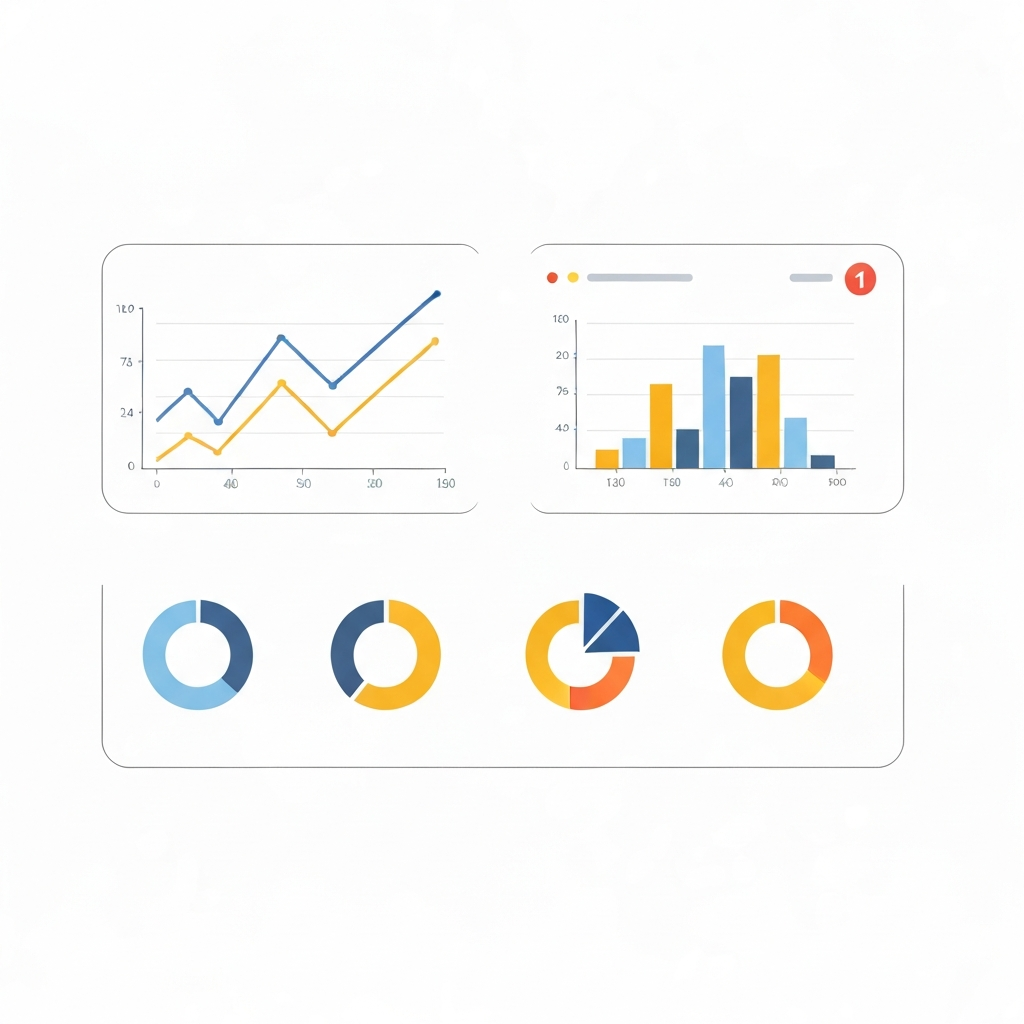
Top Social Media Analytics Tools Compared
Choosing the right social media analytics tools matters. Each platform fits different teams and goals. For example, some focus on listening. Others prioritise clean dashboards and exportable reports.
Pick tools based on budget, required metrics, and integrations. Meanwhile, usability affects how fast teams act on insights. Below is a compact comparison to help you decide.
| Tool | Key features | Pricing (starting) | Best for / Usability |
|---|---|---|---|
| Hootsuite | Unified dashboards across major platforms. 120+ tracked metrics and custom reports. | $199/month | Enterprise-ready. Good for teams and agencies. (Top product on G2.) |
| Talkwalker | Wide social listening. Monitors 150M+ sources. Strong image and conversation tracking. | Pricing on request | Best for deep listening and brand reputation. Moderate learning curve. |
| Sprout Social | Unified reports, CRM, publishing, and analytics. | $199/month | Good for midsize teams needing combined publishing and analytics. Easy UI. |
| Buffer | Simple analytics and scheduling. Clean reports for small teams. | $6/month (1 channel) | Small businesses and solopreneurs. Very user-friendly. |
| HubSpot | Analytics with CRM and conversion tracking. Strong cross-channel attribution. | $800/month | Best for teams focused on lead generation and full-funnel reporting. |
| Later | Visual calendar and posting time suggestions. Basic analytics for creators. | $25/month | Creators and small brands who need visual planning. Simple to learn. |
| Rival IQ | Competitor benchmarking and detailed social metrics. | From $239/month | Great for competitor analysis and market share tracking. |
| Brandwatch | Large-scale social listening. Pulls from 100M+ sources and trillions of posts. | Pricing on request | Enterprise listening and market research. Higher complexity. |
| Quintly | Custom dashboards with 500+ metrics and white-label reports. | $315/month | Agencies needing deep customisation and reporting. |
| Iconosquare | Instagram and Facebook-focused analytics. Post performance and stories metrics. | $79/month | Instagram-first brands. Clean, visual dashboards. |
| Mentionlytics | Brand monitoring and sentiment analysis. | $69/month | Budget-friendly listening. Good for fast alerts. |
| Channelview Insights | YouTube analytics, exportable PDF/CSV reports. | $8/month (free for Hootsuite Enterprise) | Best for multi-channel YouTube reporting. Simple exports. |
Notes and links
- Hootsuite is widely used; see G2 for broader reviews.
- For tactical help with posting and confidence, read: Start Posting on Social Media.
- To weigh the pros and cons of AI content tools, see: AI Social Media Content Tools.
How to Choose the Best Social Media Analytics Tools
Choosing the right social media analytics tools starts with your goals. Know what you need to measure and why. Do you track CTR from link-in-bio funnels or overall conversions? Because goals shape tool choice, map KPIs before shopping.
Match tools to user type
- Creators: Focus on simple dashboards, posting time optimization, and Instagram/TikTok metrics. For example, Later or Iconosquare suits creators who want visual calendars and quick insights.
- Small businesses: Prioritize pricing, conversion tracking, and integrations with websites or CRMs. Buffer or Channelview Insights can be budget-friendly options.
- Influencers: Need audience demographics and influencer marketing reports. Therefore, look for detailed follower cohorts and engagement benchmarks.
- Agencies: Require white-labeled reports, API access, and multi-account management. Quintly and Hootsuite serve agencies well.
- Enterprises: Choose large-scale social listening and sentiment analysis across many sources. Brandwatch and Talkwalker fit enterprise needs.
Quick evaluation checklist
- KPI fit: Ensure the tool tracks your core metrics like reach, engagement, and conversions.
- Data sources: Check supported platforms and web listening coverage.
- Reporting: Prefer exportable and white-labeled reports.
- Usability: Test the UI during a trial period.
- Integrations: Verify CRM, ad platforms, and link tracking integrations.
- Pricing: Compare starting plans and hidden costs.
- Support and training: Good onboarding saves time.
Run a short pilot for 2–4 weeks. Meanwhile, measure time-to-insight and report clarity. Finally, choose the tool that answers your KPIs and grows with you.
Also consider data retention and API access because long-term trends matter. For example, historical data helps with seasonality and campaign attribution. As a result, you can plan budgets and content calendars with confidence.
Conclusion
Social media analytics tools turn noisy metrics into clear decisions. They help you find what works and what fails. Because data replaces guesswork, teams scale faster and smarter. Analytics also improve CTR, conversions, and long-term ROI.
Find@ complements these tools by giving you an owned digital identity. It centralizes your link-in-bio, QR funnels, and profile touchpoints. Therefore, you keep control of traffic and conversion paths. As a result, analytics show not only engagement but real on-site actions.
Combine analytics platforms with Find@ to close the loop. For example, track which bio links or QR codes produce sales. Meanwhile, route audiences to a branded, conversion-focused bio page. That approach boosts CTR and reduces reliance on platform-only analytics.
Start small and measure often. Test a pilot, compare reports, and refine your CTAs. The future of social growth is data plus ownership. With the right tools and Find@, you can build a resilient, measurable presence. Keep experimenting. Tomorrow’s audience awaits.
Frequently Asked Questions (FAQs)
What metrics should I track with social media analytics tools?
Start with reach, impressions, and engagement. Then track click-through rate (CTR) and conversions. Also monitor audience demographics and sentiment. For link-in-bio funnels, measure link clicks and conversion paths. Finally, compare against revenue or leads to calculate ROI.
Do I need a paid analytics tool?
It depends on your goals and scale. Small creators often use native analytics and low-cost tools. However, teams and agencies benefit from advanced dashboards and white-labeled reports. Therefore, weigh integrations, data retention, and support before upgrading.
How often should I review reports?
Review high-level metrics weekly. Meanwhile, run deeper analysis monthly. Use real-time alerts for spikes and reputation risks. For campaigns, check daily performance in the launch phase.
Can analytics boost CTR from bio links and QR codes?
Yes. Track UTM parameters and conversion events. As a result, you can test CTAs and landing pages. Also use Find@ to centralize your link-in-bio and improve conversion paths.
What’s the fastest way to pick the right tool?
Map your KPIs first. Then run 2–4 week trials of top contenders. Compare time-to-insight, reporting clarity, and integrations. Finally, pick the tool that fits budget and workflow.


